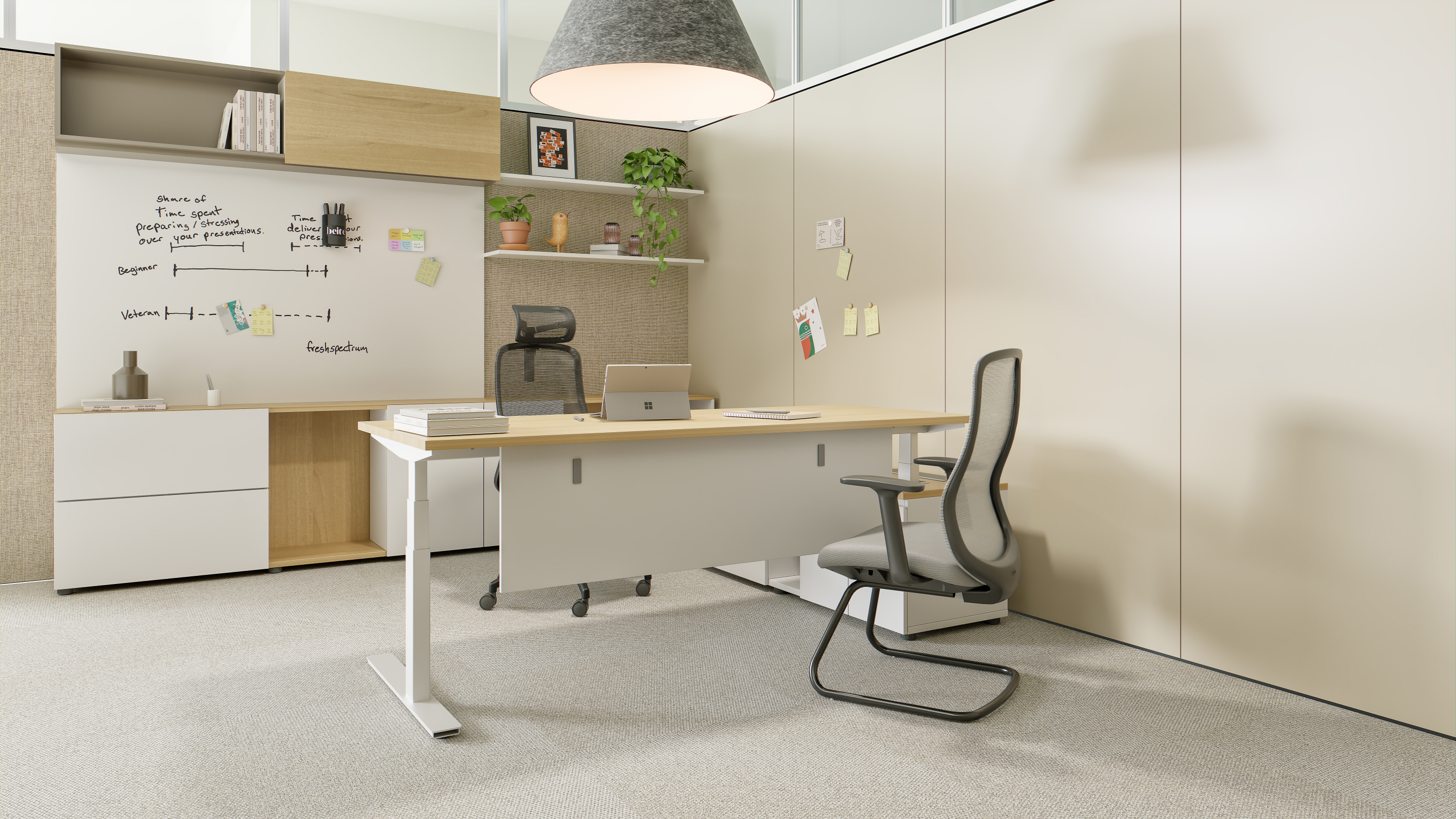
What Is a Standing Desk? Types, Quality Checks and How to Choose
A standing desk is a desk whose work surface can be set at a height that lets you work on your feet. Some adjust continuously; some sit at a single fixed height. The category now covers everything from a desktop converter to a four-leg conference table — which is why "standing desk" alone tells you very little about what you are buying.
The six main types
Most buying mistakes come from comparing products that belong to different categories. Start here.
| Type | Power | Load | Adjustment | Best for |
|---|---|---|---|---|
| Fixed-height | None | High | None | Single-purpose counters, labs |
| Manual / crank | None | Medium | Slow | Budget, low-frequency use |
| Electric sit-stand | Required | High | Fast, memory presets | Dedicated workstations |
| Pneumatic | None | Light–medium | Fast, one-hand lever | Shared and flexible spaces |
| Mobile | Either | Either | Fast | Hot desks, training rooms |
| Desktop converter | None | Light | Manual | Cheapest entry point |
Fixed-height
The simplest and most stable: no mechanism, no failure point. It only works if everyone using it is roughly the same height.
Manual / crank
No motor, no cable, reliable and cheap — but slow enough that people stop adjusting it, which defeats the purpose.
Electric sit-stand
The default for dedicated desks. Motors, memory presets and anti-collision make it practical to change posture several times a day.
Pneumatic (gas-spring)
A gas spring replaces the motor. No power, no cable, fast one-hand adjustment — but lifting capacity is limited, so it suits laptops and light equipment rather than dual-monitor rigs.
Mobile
Adds casters. The lift can be electric or pneumatic; what defines it is that the desk moves between rooms and locks in place.
Desktop converter
Sits on an existing desk. Cheap and instant, but it shrinks usable surface area and is less stable at full height.
How to tell a good standing desk from a cheap one
Seven checks, in the order problems usually appear.
1. Frame and column
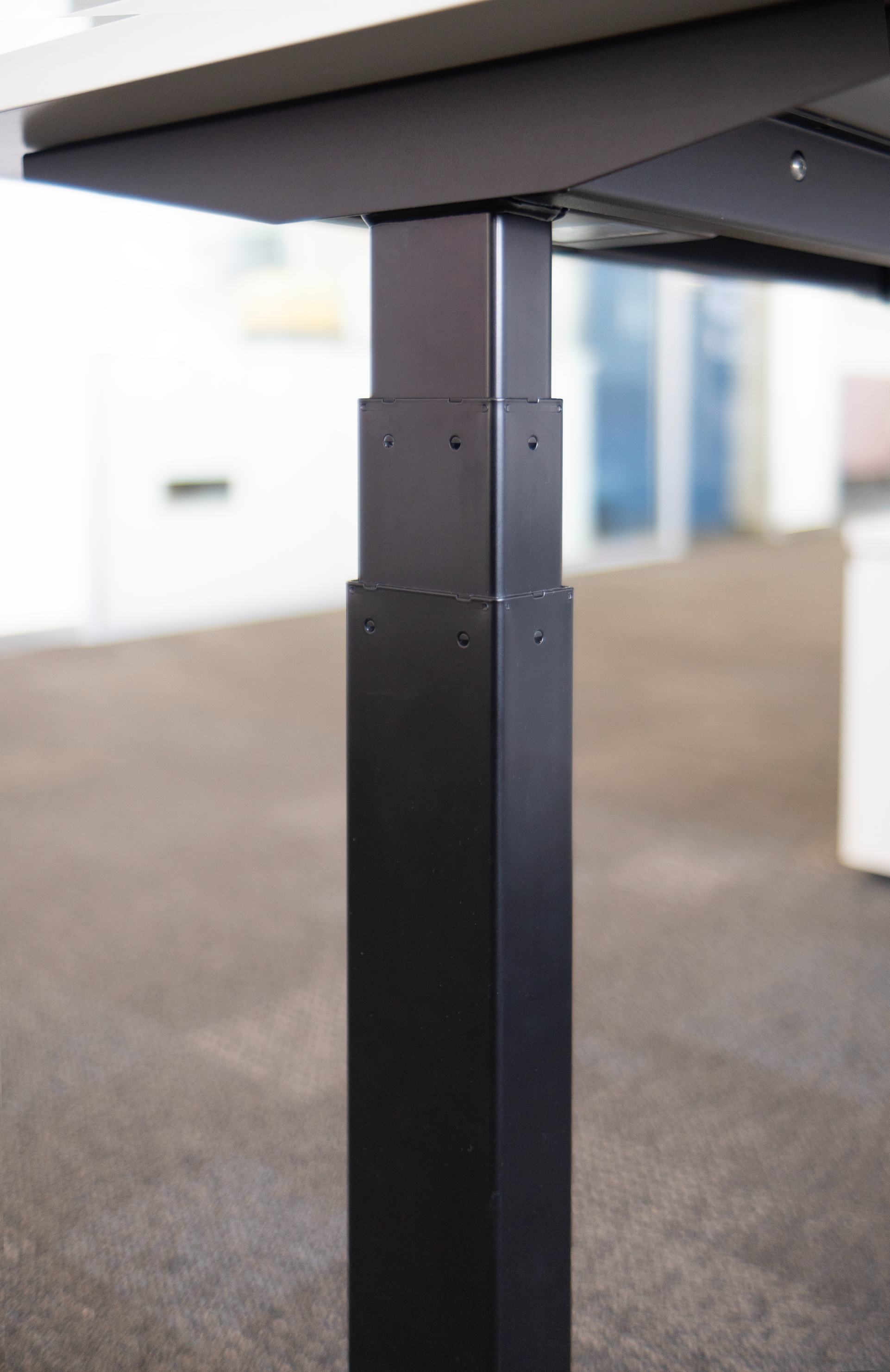
Look at wall thickness, column count and how the sections fit. A single thin column will flex; a three-section column with tight tolerances will not. Push the desk at standing height — that is where cheap frames show themselves.
2. Lifting system
For electric desks, the drive matters more than the marketing. Reputable systems publish thrust, speed and duty cycle. If a specification sheet has no speed or noise figure, that is the answer.
3. Load: dynamic versus static
This is the most common trap. A desk rated for 300 kg static may lift only a fraction of that. Static load is what the frame holds at rest; dynamic load is what the mechanism can raise. Ask both. If a supplier quotes only one, they are either inexperienced or hiding something.
4. Height range
Check the minimum and maximum, not the stroke. A 400 mm stroke sounds generous until you find the desk starts at 750 mm — too high for a shorter user to sit comfortably.
5. Stability at maximum height
Every desk is stable when lowered. Raise it fully and lean on the front edge. Movement of more than about a centimetre under light pressure is a warning sign.
6. Worktop
Board thickness, edge banding and formaldehyde class matter more than colour. Thin board with glued edging will swell at the first spill, and lifting banding cannot be repaired cleanly. Ask for the board grade and the edge material, not just the finish name.
7. Safety and after-sales
Anti-collision, pinch protection, rounded corners, locking casters, a stated warranty and available spare parts. A verbal warranty is not a warranty.
Match the desk to how the space is used
| Situation | Best fit | Prioritise |
|---|---|---|
| One person, dual monitors | Electric sit-stand | Load, height range, presets |
| Hot desks and shared workstations | Mobile | Casters, locking, quick adjustment |
| Training or meeting rooms | Mobile or folding | Reconfiguration speed, storage |
| Small home office | Mobile or converter | Footprint, no installation |
| Clinic, care or bedside | Mobile with low foot | Stability, easy cleaning |
| No available power | Pneumatic or manual | Lifting capacity, build quality |
The pattern is simple: if the desk stays in one place, buy for load and stability. If it moves, buy for casters and weight.
Two examples from our own range
We manufacture both ends of this spectrum, which is why the distinction matters to us.
BALLOON — electric sit-stand
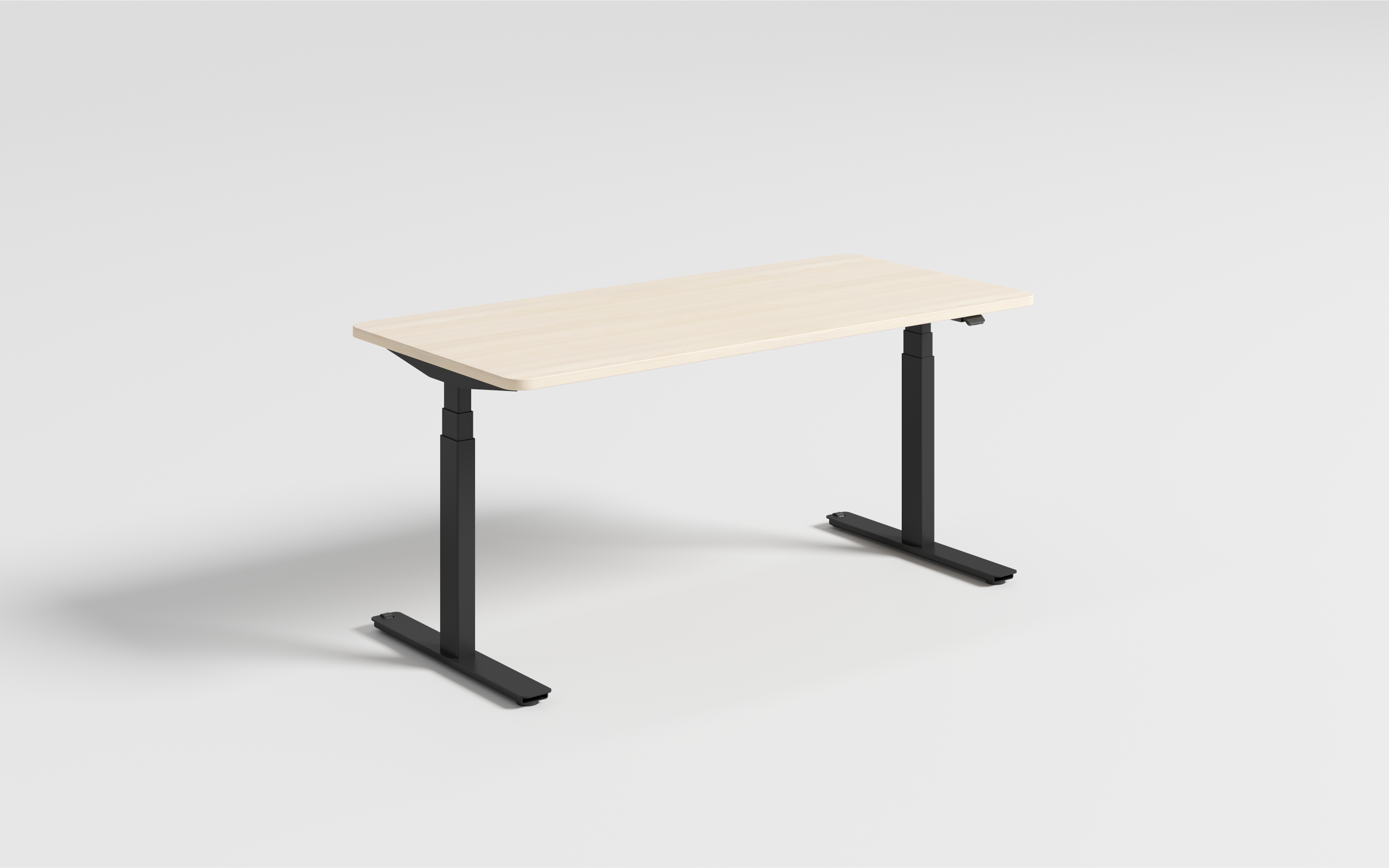
Single-motor, dual-motor and four-leg conference variants. The telescopic frame accepts tops from 1,000 to 1,800 mm wide, with a 685–1,245 mm height range, four memory presets and anti-collision that reverses on roughly 2 kg of resistance. The dual-motor version lifts 125 kg at 38 mm/s with operating noise below 48 dB. See the BALLOON range.
COMT — pneumatic and mobile
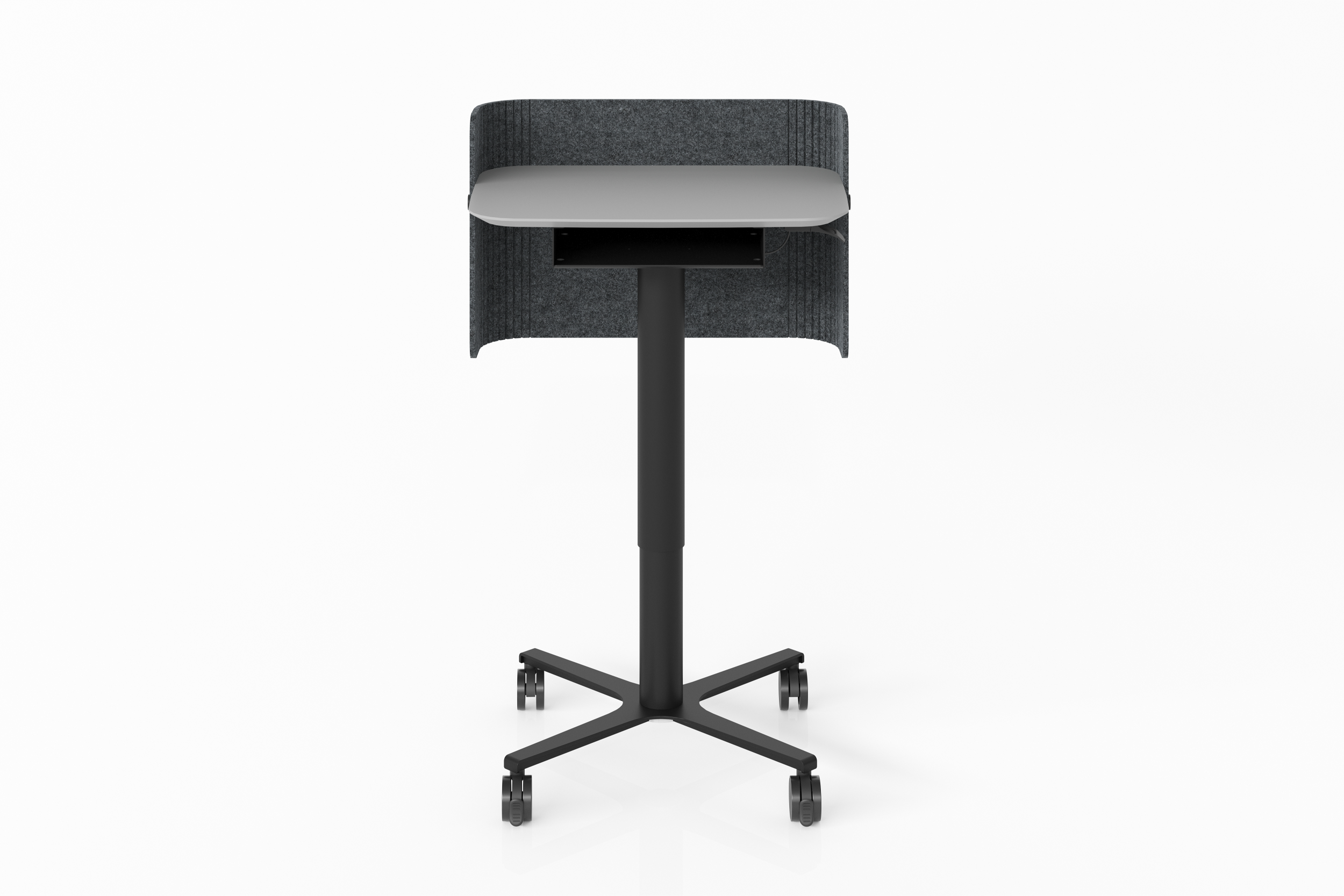
A gas-spring column with a 400 mm stroke, one-hand lever, no motor and no cable. It carries 300 kg static load and about 7 kg dynamic load as standard, rolls on lockable 360° casters, and has a low-foot design that slides under a sofa or bed. An optional magnetic acoustic baffle turns it into a small private workstation. See the COMT desk.
They are not competitors. One is for a desk that stays put; the other is for work that moves. For a detailed comparison of the mobile format, see our mobile standing desk guide.
FAQ
Do standing desks actually help?
They help you sit less, which is the documented benefit. OSHA's workstation guidance recommends changing posture through the day, and Cornell University's ergonomics research looks at how sit-stand workstations affect comfort. They are not a treatment for any condition.
How long should I stand?
Start with 20–30 minutes at a time, two or three times a day, and build up. Standing all day creates its own problems.
Electric or pneumatic?
Electric if you need to lift monitors and heavy equipment, or want memory presets. Pneumatic if the desk has to move, or there is no power where it needs to go.
What load rating do I need?
Add up monitor arms, screens, laptop and anything you lean on, then add margin. Check the dynamic figure, not just the static one.
Can I use my own worktop?
On many frames, yes — but confirm width, depth and thickness range, and whether a drilling template is supplied.
Next step
Tell us how the space is used — one person or shared, fixed or mobile, powered or not — and we will recommend the right configuration rather than the nearest SKU. Request a quote.